
MONDAY.
LET’S GET
SPECIFIC.
The weekly view. One set of numbers. Clear next moves.
A WORKING CONVERSATIONMore time for the people.
More room for the game.

The decks. The ticket reports. The graphics somebody needs five minutes after the buzzer. You’ve given me a pretty good map of where your team’s time goes.
I’d start there. Give your people a few well-built systems, teach them how to use them, and keep the judgment with the people who know the business.
Let’s get one useful thing working, earn the team’s trust, and build from there.
Kris Krüg ↗Start with your identity. Claude Design can work from a brand system and help create layouts, decks, and prototypes. The quality comes from the material and direction we give it.
Approved logos. Licensed fonts. Colour values. Image rights. Sponsor rules. Asset sizes. Examples of what good looks like.
Change the numbers. The design holds together. That’s the point of a proper brand foundation.
A working template demonstration. A production version would read an approved stats feed, flag missing values, and queue a graphic for review.
EXHIBITION / DEMOApproved scores, player stats, or ticket data. Confirm access, freshness, and who owns it.
Use Claude for concepts and copy. Let a fixed layout place the correct numbers, marks, and sponsor assets.
Flag missing data. Check the output. Queue it for approval, then distribute through the agreed channels.
A shared brand folder and Claude Design system; reference imagery with usage rights; social, scoreboard, and presentation formats; example prompts; export checks; and a hands-on session using a real Bandits brief. Brand changes have one owner. Templates stay versioned. First prove one graphic workflow before connecting a whole game-day pipeline.
Claude Design capabilities ↗Your Showpass questions are the right ones. How much have we sold? Which offers are working? Who’s using their tickets? How does this game compare? Here’s how that could feel.
In this sample, 810 tickets were sold in the final seven days. That’s the kind of buying pattern we’d examine before choosing when to promote a game.
Same product and ticket-type filters. All six fictional games in the 2026 sample season. 112 purchase records contribute to the selected game.
| Game | Tickets | Revenue CAD | Scan rate | Transfer rate |
|---|---|---|---|---|
| Home opener | 2,274 | $132,682 | 75.7% | 4.2% |
| Friday night | 2,357 | $137,396 | 78.3% | 4.3% |
| Community night | 2,466 | $144,248 | 80.3% | 4.3% |
| Summer hoops | 2,549 | $149,354 | 83.3% | 4.4% |
| Rivalry night | 2,603 | $156,436 | 86.7% | 4.6% |
| Season finale | 2,659 | $159,370 | 89.2% | 4.7% |
What counts: sales are net of refunded bundles, excluding taxes and fees. Package revenue is divided equally across entitlements. $3,500 remains attached to unallocated entitlements. This is a demo allocation, not an accounting policy.
Usage ≠ attendance: a Flex entitlement is redeemed when assigned to a game; a scan records attendance. Scan and transfer rates count unique tickets divided by assigned tickets. Season rates use all assigned tickets. Product sizes, ticket types, dates, and goals here are invented.
The comparison: both sample seasons use matching month/day game dates. Calendar view shows those dates; days-before-tipoff aligns purchase timing. Curves use final net sales by original purchase date, not a historical refund ledger or forecast.
One trusted weekly ticketing view, then a Monday deck that uses those same numbers. First we inspect two completed seasons of exports, agree product definitions and game targets, and confirm what Showpass makes available to your account. Its public organizer API docs don’t establish every historical sales, transfer, or redemption field you’re asking for. See the documented capabilities ↗
Stop rebuilding the same story from scattered files. Keep your facts current, your layouts reusable, and your audience in mind. Try the two versions below.
The weekly view. One set of numbers. Clear next moves.
Scan rate 75.7%. Transfer rate 4.2%. Numbers match the explorer above.
On-page preview, not a generated file. In the real workflow, approved templates and maintained data feed the deck; your team checks it before exporting to PowerPoint or PDF. This demo makes no claim of a live Claude or Drive connection.
Sales against targets, upcoming games, decisions, owners, and follow-ups. A maintained report feeds a repeatable meeting.
Research their business. Show a relevant opportunity. Use approved audience evidence, inventory, and rights. Check every commercial claim.
Start with a well-owned sheet or export. Add automated refresh after definitions and access are settled. Someone still owns accuracy.
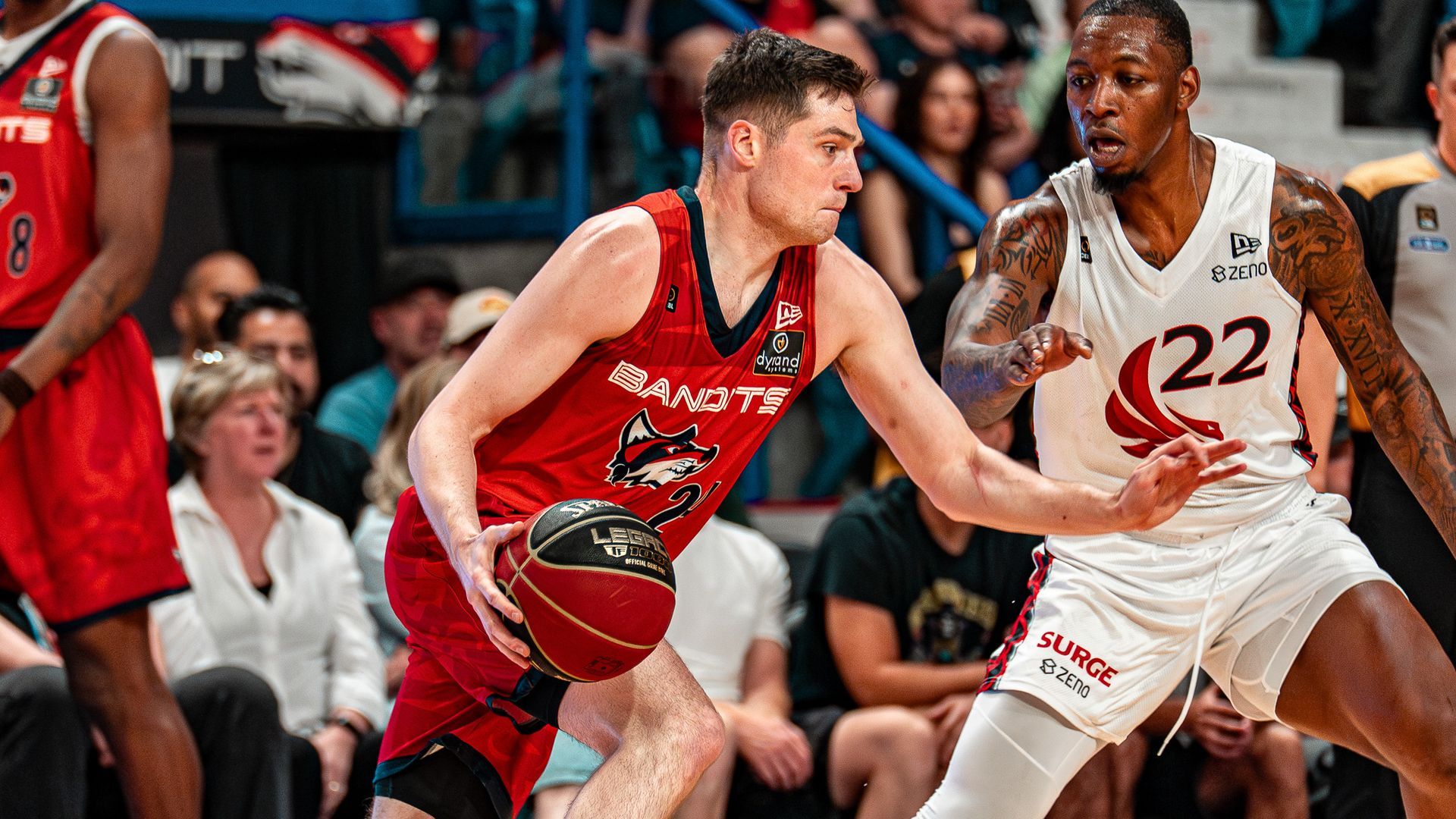
Keep the people
in the game.
There’s plenty we can build. The useful question is where it will make the work better, and what we need to know first.
Yes. I’d start with the journey from ‘that looks fun’ to a ticket in someone’s pocket. Open it on your phone. Find a game. Compare a package. Try to buy. The friction we can actually observe becomes our build list.
Make the differences legible: who each offer is for, what it includes, and the next step. Evaluate Showpass’s existing checkout widgets before building a new purchase flow.
Use short forms, clear consent, and useful follow-up. Decide which audience fields matter before collecting them. Contest eligibility and rules still need a human owner.
Make the shop handoff clear. For camps, put age groups, dates, location, price, and registration together. Keep information about children out of general AI workspaces.
Confirm your website platform and access. Measure the existing funnel, make one focused change in a preview, test mobile and accessibility, then compare results. Claude Code helps build and test; your team approves what goes live.
First move: walk through three real customer journeys together and pick one measurable improvement.
Source & current capabilities ↗Maybe. I’d want to know which decision you can’t make with the reports you already have. A beautiful chart that repeats yesterday’s confusion is expensive wallpaper.
Review QuickBooks’s existing cash-flow reports with whoever owns your books. Check bank reconciliation, unpaid invoices, bills, and how Showpass settlements are recorded.
A useful next step could be a rolling 13-week cash view: opening cash, expected ticket settlements and sponsor payments, payroll, travel, venue costs, and closing cash. Timing and assumptions should be editable and visible.
Ticket sales, cash received, and profit describe different things. Reconcile Showpass payouts, fees, refunds, and taxes to QuickBooks before combining them. A forecast is an estimate, with a finance owner and a review date.
First move: identify one cash-timing decision the current reports don’t answer.
Source & current capabilities ↗Yes, as a research assistant that helps your basketball people find and check leads. ‘Played well last month’ and ‘available to sign today’ are very different facts.
Choose the leagues, positions, date window, and stats that matter. Normalize player identities, minutes, competition level, and box scores. Document gaps instead of pretending we can see every league.
Record the source, date checked, known contract dates, and what still needs confirmation. RealGM’s terms restrict commercial use without written permission. Start with permitted league sources or a licensed provider, then confirm availability with the appropriate people.
Use season-specific roster and import rules, schedule overlap, and internal budget constraints. Basketball ops confirms eligibility, contracts, salary-cap treatment, and fit. Keep salary and negotiation information in a restricted workspace.
A shortlist with comparable performance, source links, last-checked dates, reasons to investigate, and open questions. The final roster decision stays with your basketball staff.
First move: test a small, agreed player pool with ops before investing in broad coverage.
Source & current capabilities ↗Current CEBL roster guidance ↗Give it a bounded job with good source material. ‘Prepare me for this sponsor meeting’ is useful. ‘Here’s our entire business, good luck’ is a lousy brief.
Keep approved brand files, offer descriptions, sponsor facts, and meeting templates in shared Drive folders. Connect each person’s own account. Organize Claude projects around work, with access appropriate to the material.
Pilot one category, such as routine ticket enquiries. Supply current package information, tone examples, escalation rules, and a small set of approved replies. Create drafts for a person to review. Skip commitments, complaints, negotiations, and sensitive cases.
Meeting briefs, weekly updates, sponsor research with sources, and follow-up lists are good candidates. Scheduled work needs a named owner, tested access, a review destination, and a clear failure signal. A connector alone doesn’t create that routine.
Try it on the repetitive work your staff can name today. Compare preparation time and correction effort before and after. Keep what makes the job better; retire the rest.
First move: choose one recurring task per person and review the results together.
Source & current capabilities ↗I’d begin with the people doing the work. Named accounts, shared standards, and access that fits their role. Four departments doesn’t necessarily mean four people or four subscriptions.
Sales, sponsor research, meeting preparation, team standards
Own the organisation and shared reference material
Standard to start; upgrade if usage warrants it
Ticket questions, weekly sales review, customer follow-up drafts
Ticketing reports and approved customer information
Named users; dashboard-only viewers may need no Claude seat
Claude Design, campaign concepts, sponsor decks, content drafts
Brand assets, marketing data, approved sponsor material
Standard to start; review design usage before upgrading
Player research, travel options, operational briefs
Restricted player, contract, travel, and salary material
Standard named seats with scoped access
My default: start actual AI users on Claude Team Standard, then review usage and work quality. Standard includes Claude Code and Cowork; Premium buys more usage. Kenny administers the organisation. Nobody shares a login.
Keep automation/API spend separate from the seat decision. Confirm current entitlements and regional terms before purchasing. Check current Team plans ↗
I’d work alongside your team: set the foundation, build the first workflow, and teach people to run it. We choose the next step from what we learn.
Brand files, source data, account access, staff roles, and a shared definition of a useful result.
WE LEAVE WITHAn approved brand kit, an access map, and one agreed pilot.Build the ticketing view and Monday deck together. Reconcile the numbers and run the workflow with your staff.
WE LEAVE WITHA repeatable report, a usable deck, a trained owner, and a measured baseline.Add the next useful workflow: graphics, website improvements, email assistance, cash flow, or scouting research.
WE LEAVE WITHTested routines, clear review points, and a sensible next build.A sample ticketing export. A Monday deck. The graphic that always takes too long. That’s enough to start a good conversation.
BANDITS × KRIS KRÜG: FIRST WORKING SESSION

1. Pick the first useful weekly outcome: a trusted ticketing view that feeds the Monday deck.
2. Review brand guidelines, logos, licensed fonts, image rights, and a good existing deck.
3. Inspect sample Showpass exports from two completed seasons: orders, refunds, ticket types, package entitlements, redemptions, scans, and transfers. Confirm API access with Showpass. Use redacted samples for discovery.
4. Agree metric definitions, game targets, reporting owners, and what counts as a successful pilot.
5. Map actual staff, current Claude subscriptions, Google Drive/Gmail permissions, website access, and restricted financial/player information.
6. Choose the first build, review point, and staff training session.

No account passwords or customer lists needed for the initial conversation.